

You have lived in Canada, paid taxes, built a life here. The citizenship test feels like it should be the easy part. But sitting down to take it — especially online — comes with questions nobody prepares you for. What format is it? How long do you have? What happens if your internet cuts out? What does failing actually mean?
This guide covers the ten things that matter most before you sit down for your test.
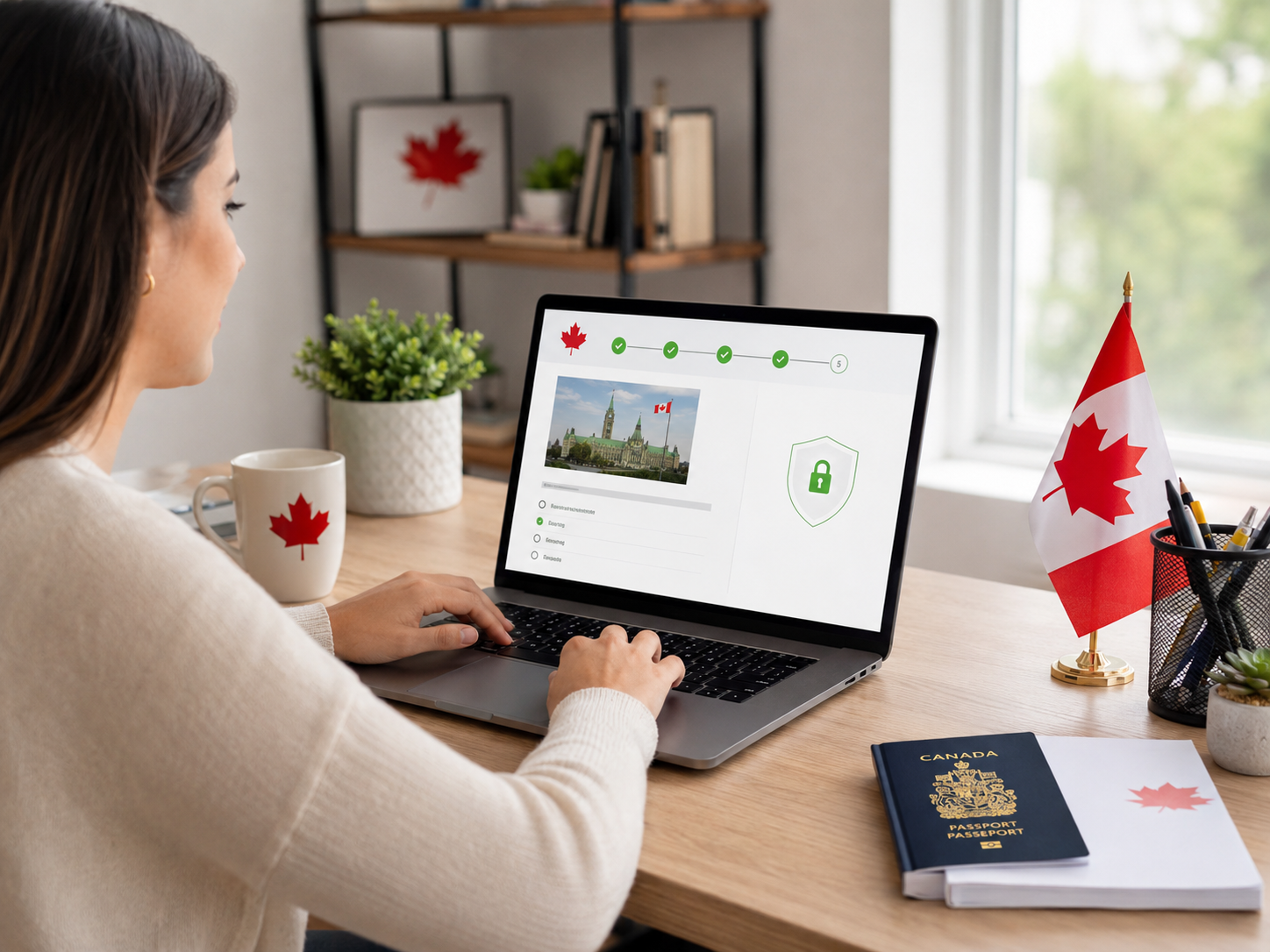
The Canadian citizenship test is not done through a general website or a third-party app. You take it through a secure IRCC online portal, and you need a valid IRCC account to access it.
Make sure your account credentials are working well before your test date. Trying to recover a forgotten password on the day of your test is not a situation you want to be in.
IRCC does not book a specific time slot for most online test takers. Instead, you receive an email inviting you to take the test within a set window — typically a few days.
Read that email carefully. It will tell you the deadline by which you need to complete the test. Missing the window without contacting IRCC can delay your application.
The online citizenship test consists of 20 multiple choice questions. You have 45 minutes to complete it.
For most people, 45 minutes is more than enough time. The questions are not designed to trick you — they test whether you understand the content in the official study guide, Discover Canada. If you have read it properly, the time limit will not be a problem.
You need to answer at least 15 questions correctly to pass. That is 75 percent.
The questions cover Canadian history, geography, government, rights and responsibilities, and symbols. They are drawn directly from the Discover Canada study guide, so there are no surprises if you have prepared from the right material.
There are dozens of practice apps, YouTube videos, and third-party study guides out there. Most of them are fine as supplementary tools.
But the only official source for what will appear on your test is the Discover Canada guide, available free on the IRCC website. Everything on the test comes from this document. Read it more than once, understand it — do not just memorize it.
The online test is monitored. IRCC's instructions are clear — you must take the test by yourself, without help from anyone else in the room.
You are also not permitted to use notes, books, or any external resources during the test. Treat it like a formal exam environment even though you are at home.
If your connection drops during the test, that is on you — not IRCC. Before your test day, check your internet connection, close any unnecessary applications, and make sure your device is charged or plugged in.
If something genuinely goes wrong technically and the test is interrupted, contact IRCC as soon as possible and document what happened. But prevention is far better than explanation.
If you do not pass, your application does not get rejected. You will typically be given the opportunity to take the test again, either online or in person at an IRCC office.
In some cases, if you fail a second time, IRCC may invite you to attend an in-person hearing with a citizenship officer instead of retaking the written test. The officer will assess your knowledge through a conversation.
Failing is a setback, not a dead end.
The online test is not offered to every applicant. IRCC decides on a case-by-case basis. Some applicants, particularly those who requested accommodations or whose files require additional review, may be asked to attend an in-person test at a local IRCC office instead.
If you are called in person, the content and passing requirements are the same. The format and setting are just different.
If you are applying for citizenship and you have children between the ages of 14 and 17 included in your application, they need to take the citizenship test too.
Children under 14 are exempt. But teenagers in that age range are expected to demonstrate the same knowledge as adult applicants. Make sure they are studying from Discover Canada as well — not just you.
The citizenship test is genuinely straightforward if you prepare from the right source. Most people who fail do so because they studied casually, relied on practice apps alone, or underestimated how specific some of the questions can be.
Read Discover Canada. Read it again. Understand the structure of the Canadian government, the history, the rights and responsibilities of citizens. That is all the test asks of you.
1. Can I take the citizenship test on my phone?
IRCC recommends using a computer or tablet for the best experience. While a phone may technically work, a larger screen reduces the risk of technical issues and makes reading the questions easier.
2. What happens if I miss the test window in the email?
Contact IRCC as soon as possible. Missing the window without explanation can delay your application, but reaching out promptly gives you the best chance of having it rescheduled without major consequences.
3. How long after passing the test will I get my citizenship ceremony date?
Processing times vary. After passing, your file goes through additional checks before a ceremony is scheduled. Current wait times are posted on the IRCC website and can range from a few weeks to several months.
4. Is the test available in French?
Yes. You can take the test in either English or French. Choose the language you are most comfortable reading in.
5. Can I go back and change my answers before submitting?
Yes. You can review and change your answers before you submit the test. Use the time you have — do not rush to submit before you are ready.
Having an ‘Identity Verified’ badge or being ‘Identity Verified’ simply indicates that an individual has submitted information to complete our identity verification process or we have conducted internal verification using various authorized websites. While this process includes safeguards, it does not guarantee that the person is who they claim to be.
If you encounter any issues with this profile, please report them here. While all consultants who are verified have RCIC ID, we may not have the latest data in terms of their renewal/cancellation/discontinuation of their RCIC ID.
╳The “Verified Consultants” profiles on Immiperts.com are independently compiled using publicly available information from multiple sources, including the official CICC Public Register, consultants’ own websites, other public directories, and social media.
Immiperts.com is a completely independent platform and is not affiliated with, endorsed by, or connected to the College of Immigration and Citizenship Consultants (CICC), IRCC, or any immigration consultant.
All information is collected manually and is for educational and informational purposes only. Consultants may claim, update, or request removal of their profile by contacting us at hello@immiperts.com.
Users are strongly advised to always verify the latest authorization status directly on the official CICC Public Register at college-ic.ca.